
Gaming PC / Budget
Gaming PC cost: What a desktop computer really costs in 2025
The real gaming PC cost in 2025 is more than the price tag on a desktop. To budget correctly, you should include the monitor target (1080p vs 1440p), storage, RAM, power, and the “hidden costs” that show up later as upgrades, noise, heat or warranty hassles. This guide breaks down what a gaming desktop computer really costs, what to prioritize in each price tier, and how to avoid paying twice. At the end you’ll find 4 ready-built gaming PCs from Greencom you can compare against.
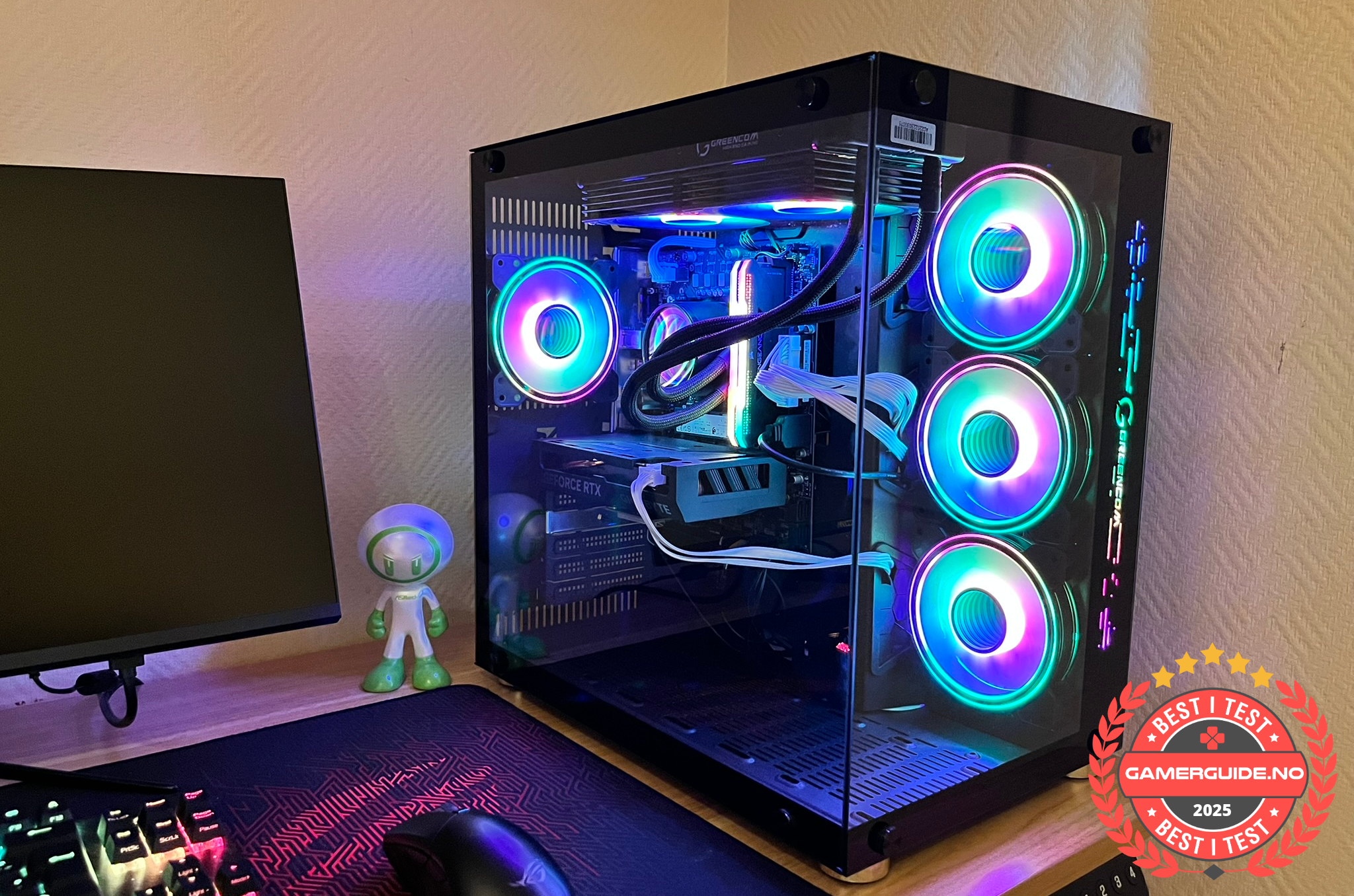
The 3 parts of real gaming PC cost
- The desktop itself: CPU + GPU + RAM + NVMe SSD + case/cooling + PSU.
- The setup: monitor (resolution + Hz), keyboard/mouse, headset, and sometimes a better desk setup.
- The “later cost”: upgrades, storage expansion, extra fans, or replacing a weak PSU if the prebuilt cut corners.
If you budget only for the tower, you often end up paying twice.
Price tiers in 2025 (what you can expect)
Exact prices vary by country and promos, but the experience in each tier is pretty consistent. Use this to set realistic expectations for a gaming desktop computer in 2025.
Tier 1: Entry / budget
- Best for: 1080p gaming, popular titles, medium settings
- What to prioritize: 16 GB RAM, NVMe SSD (avoid tiny drives), sensible cooling
- Common trap: 8 GB RAM or small SSD, forcing upgrades
Tier 2: Midrange (best value for most)
- Best for: 1080p high settings or 1440p for many games
- What to prioritize: balanced GPU/CPU, 16–32 GB RAM, 1 TB NVMe SSD
- Common trap: strong GPU but weak CPU or poor airflow
Tier 3: High end
- Best for: 1440p high Hz, heavy AAA, streaming + multitasking
- What to prioritize: cooling/noise, PSU margin, upgradeability
- Common trap: paying for “premium” branding while the PSU/cooling is average
Tier 4: Enthusiast
- Best for: 4K, very high FPS goals, “no compromises” builds
- What to prioritize: top-tier GPU, strong CPU, excellent cooling and case airflow
- Common trap: forgetting the monitor cost (4K/high Hz can cost a lot)
How to compare value (performance per $/kr)
When comparing two prebuilts, give 1 point for each:
- Matches your monitor target (1080p/1440p/4K and Hz)
- Exact GPU and CPU clearly listed and balanced
- 16 GB+ RAM (32 GB if streaming/multitasking)
- NVMe SSD and practical size (often 1 TB)
- Sensible cooling and airflow (quiet under load)
- Upgradeability (free RAM slots, free M.2 slot, PSU margin)
- Warranty/service you trust
The “cheapest” desktop often loses this score because it forces upgrades later.
Ready-built examples (easy to compare)
Want concrete models as reference points for gaming PC cost vs specs? See all desktops here: https://greencom.no/butikk/greencom-pc
1) Entry V894G (budget start)
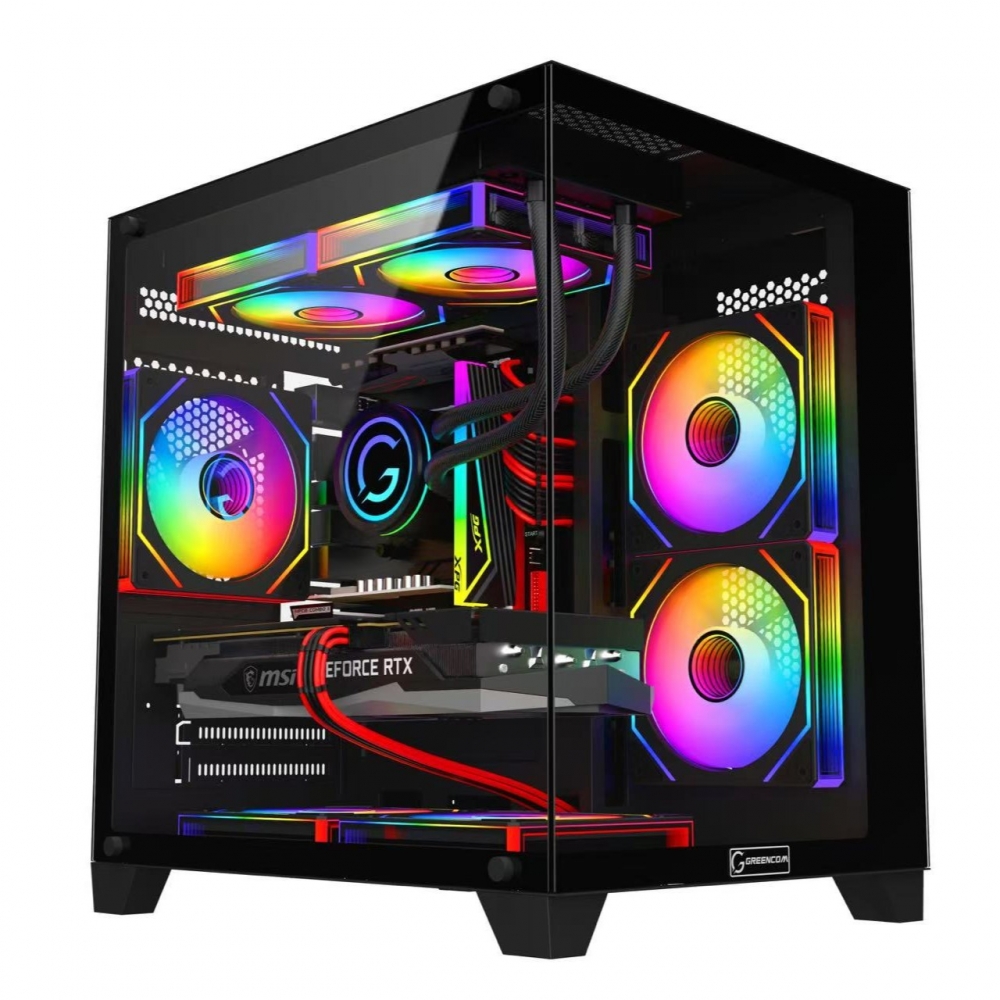
2) ArcticStorm iZ539X (midrange all-round)
3) Phoenix Z569CR (more headroom)
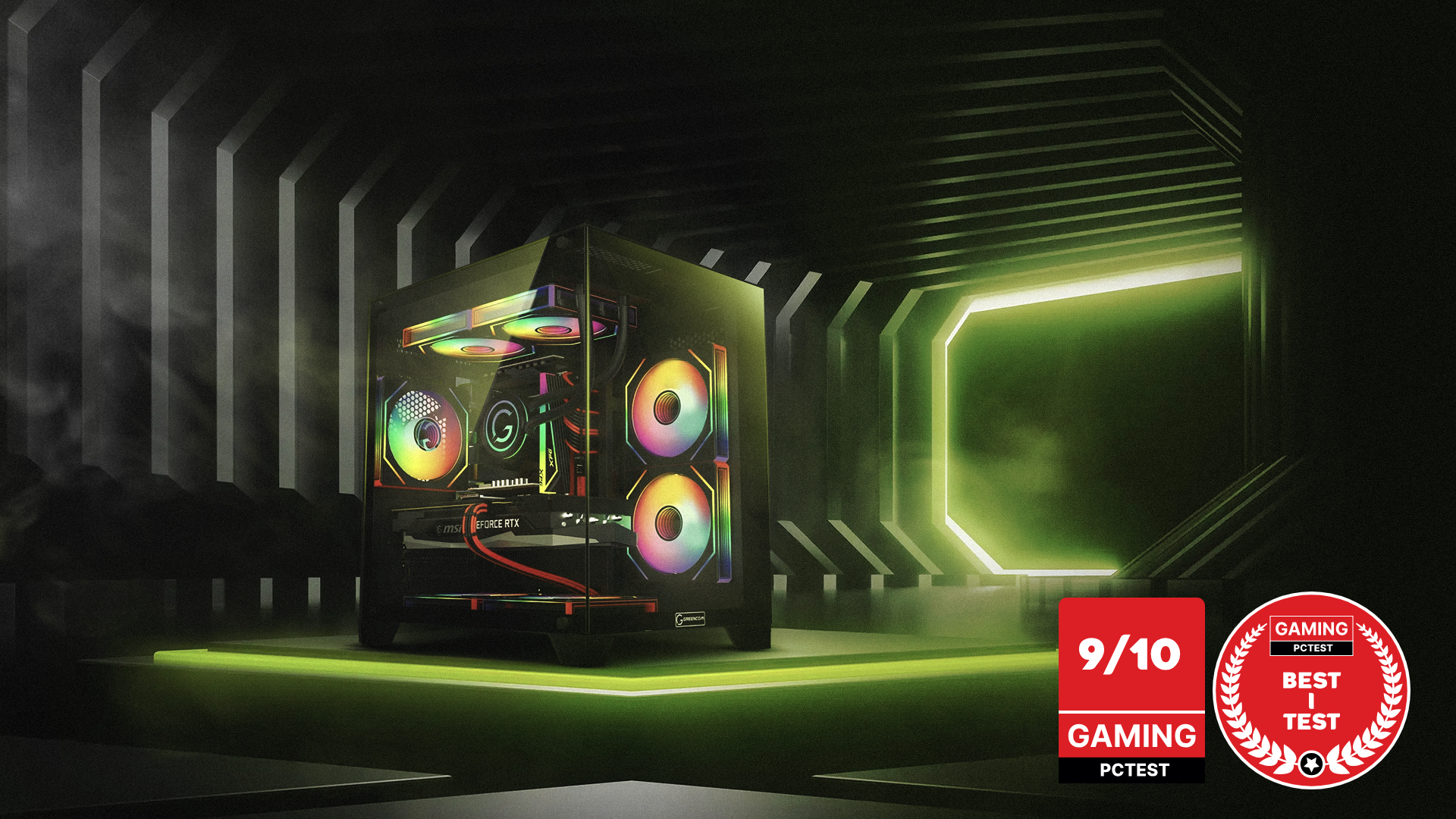
4) ZENITH hX97Z2 (high end)
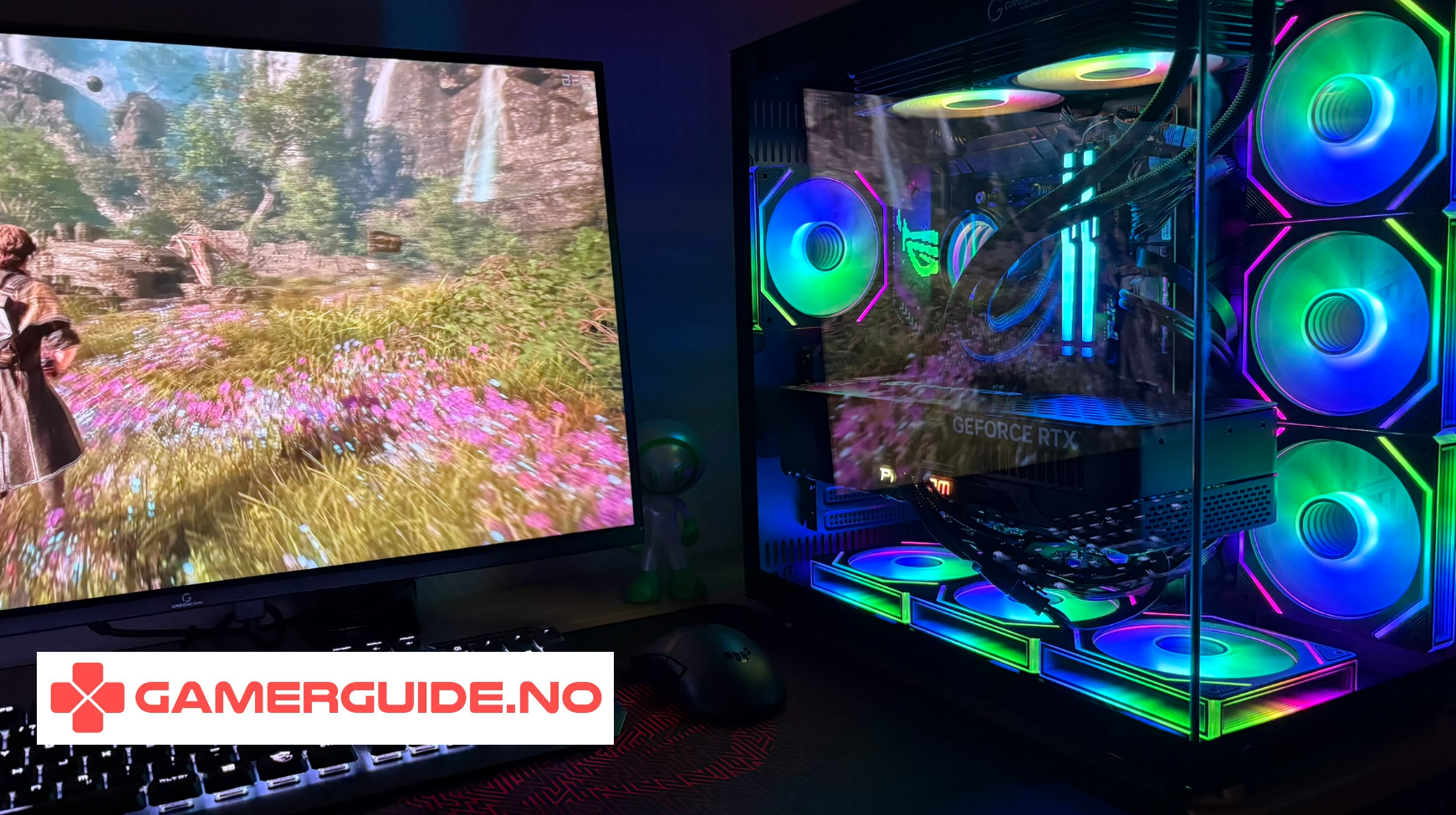
See all Gaming PCs: https://greencom.no/butikk/greencom-pc
FAQ
What is the minimum you should spend for a “real” gaming desktop in 2025?
It depends on your monitor target, but the true baseline is: a modern GPU/CPU combo, 16 GB RAM, and an NVMe SSD (preferably 1 TB). If a “deal” misses those, you often pay later.
Is a cheap gaming PC ever worth it?
Yes, if it matches 1080p goals and doesn’t cut too hard on RAM/SSD/cooling. The danger is buying “cheap now, expensive later”.
What costs the most long-term?
Usually upgrading the monitor, then storage and RAM. Also: paying for quiet cooling if the case airflow is poor.
_1.png?1775823017388)



.png)
.png)
.png)
.png)