
Gaming accessories: What accessories actually improve your setup
A lot of gaming accessories look cool, but only a few actually make you play better, feel more comfortable, or make your setup noticeably nicer day to day. The trick is to prioritize accessories that improve clarity, control, comfort, and cleanliness.
If you’re also considering upgrading your PC, you can browse prebuilt options here: Greencom Gaming PCs
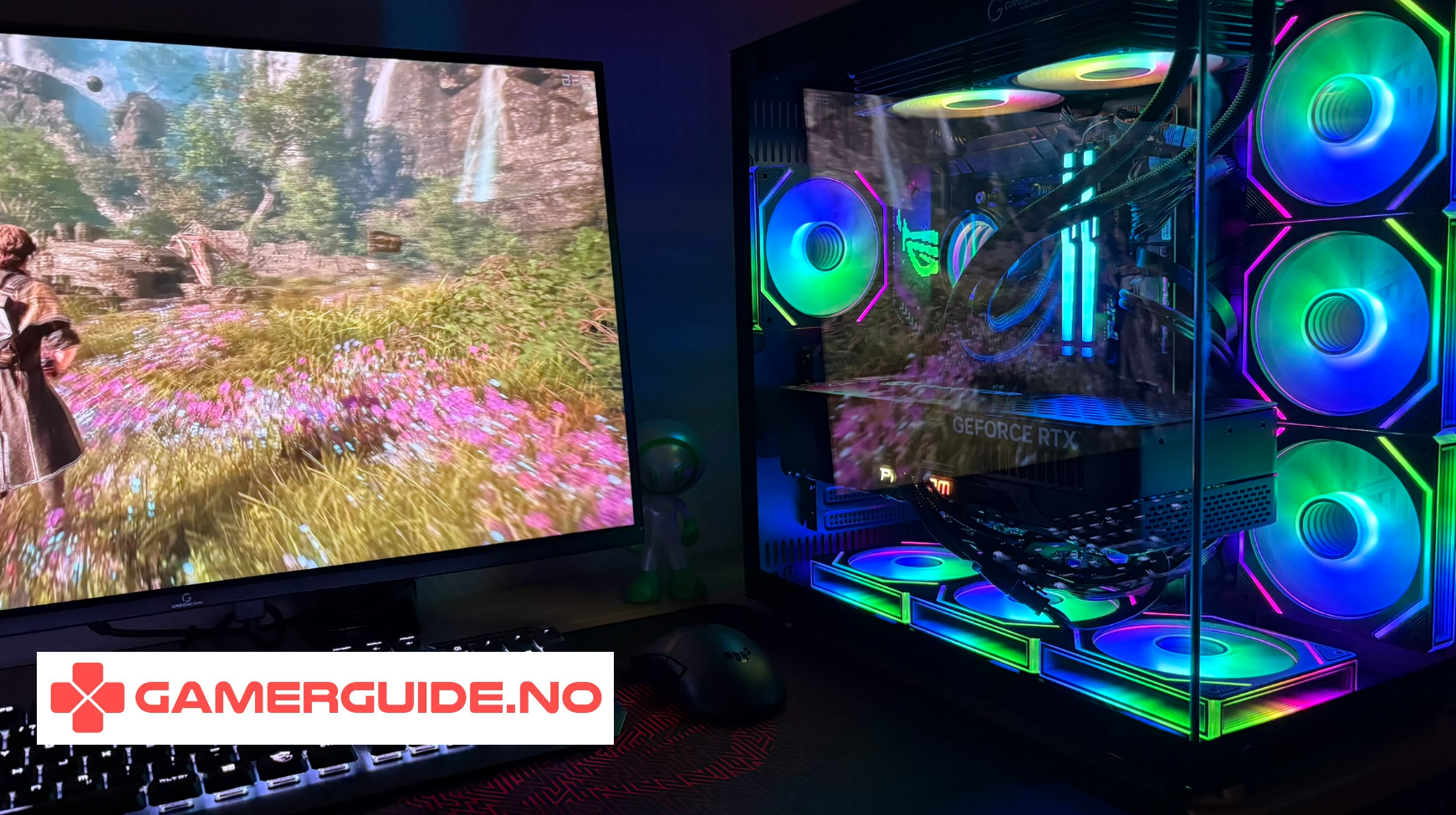
Tier 1: Accessories that almost always improve your setup
1) A good monitor (the biggest upgrade most people ignore)
- 144Hz+ makes motion feel smoother and improves aiming in FPS
- 1440p is a great sweet spot for sharpness and performance
- good motion handling matters more than “HDR stickers”
2) A great mouse that fits your hand
- comfort matters more than brand
- lightweight helps in FPS, but stability matters too
- wireless is excellent in 2025 when latency is solid
3) A large mousepad (cheap upgrade, big impact)
- more consistent tracking and smoother flicks
- less “running out of space” mid-fight
- also makes your desk look cleaner
4) Comfortable audio (headset or headphones)
- better positional audio helps in competitive games
- comfort is key for long sessions
- if you play with friends: mic quality matters
5) A proper chair and ergonomics
- better posture means longer, better sessions
- arm support reduces fatigue
- correct monitor height prevents neck strain
Tier 2: Accessories that improve quality of life (and make setups look premium)
6) Monitor arm
- frees desk space instantly
- makes positioning perfect for posture
- cleaner look with better cable routing
7) Bias lighting behind the monitor
- makes the room feel nicer
- can feel less harsh in dark rooms
- keep it subtle for a clean aesthetic
8) Cable management kit
- cable sleeve + clips can transform your setup in 20 minutes
- less clutter, easier cleaning
- also reduces accidental cable pulls
9) USB hub
- makes plugging in controllers/headsets easy
- reduces stress on the PC’s front ports
- cleaner cable routing
10) Desk mat / wrist comfort
- improves comfort if you play long sessions
- reduces friction and keeps things stable
- can make your setup look more “finished”
Tier 3: Nice-to-haves (worth it only for specific needs)
11) External microphone + boom arm
- huge upgrade for Discord, streaming, and calls
- not necessary if you’re happy with your headset mic
12) Controller (even for PC gamers)
- great for racing, sports, and many single-player games
- not essential for competitive FPS
13) Capture card
- useful if you stream from console or record externally
- overkill for most players
What to avoid: Accessories that rarely make a real difference
- random “gamer” RGB gadgets that add clutter
- expensive “gaming routers” unless you actually have network issues
- cheap mic upgrades that sound worse than your current headset
- tiny mousepads that limit movement
Quick checklist: Build a better setup in the right order
- Monitor (Hz + resolution)
- Mouse + mousepad
- Comfort (chair + posture)
- Audio (headset / headphones)
- Quality-of-life (monitor arm, cables, USB hub)
Want a stronger PC to match your setup?
Accessories can improve feel and comfort, but if you want higher FPS, smoother performance, and faster load times, upgrading the PC itself is often the biggest leap.
ArcticStorm iZ539X Gaming PC - RTX 5060 | i7 | 16GB
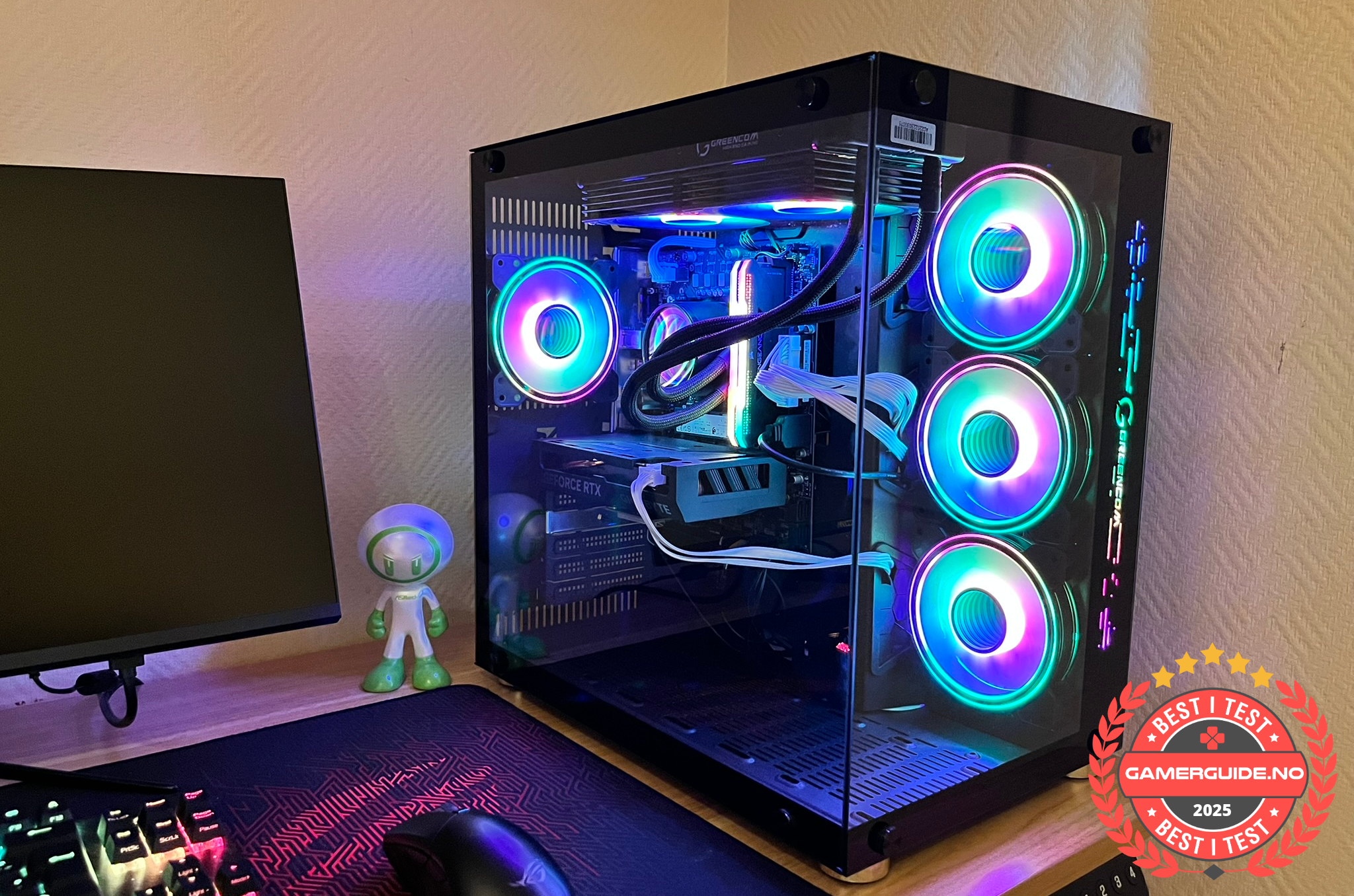
A strong value pick if you want smooth gaming performance and a responsive system without overthinking parts.
Phoenix Z569CR Gaming PC - RTX 5060 | Ryzen 7 | 16GB
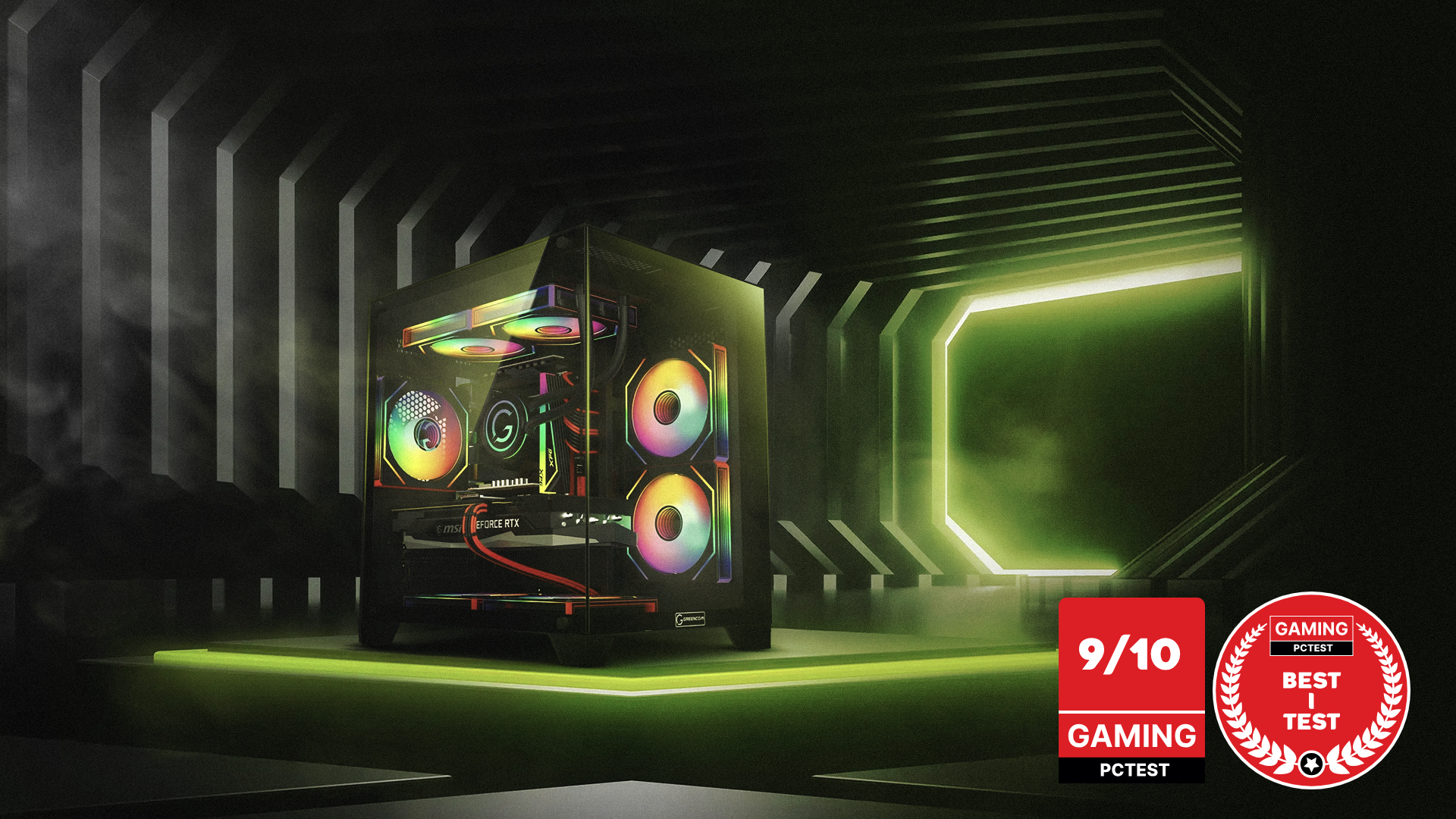
A balanced choice for gaming and everyday use, with a setup that feels fast and stable across a wide range of games.
ZENITH hX97Z2 Gaming PC - RTX 5070 TI | Ryzen 7 9800X3D | DDR5 16GB
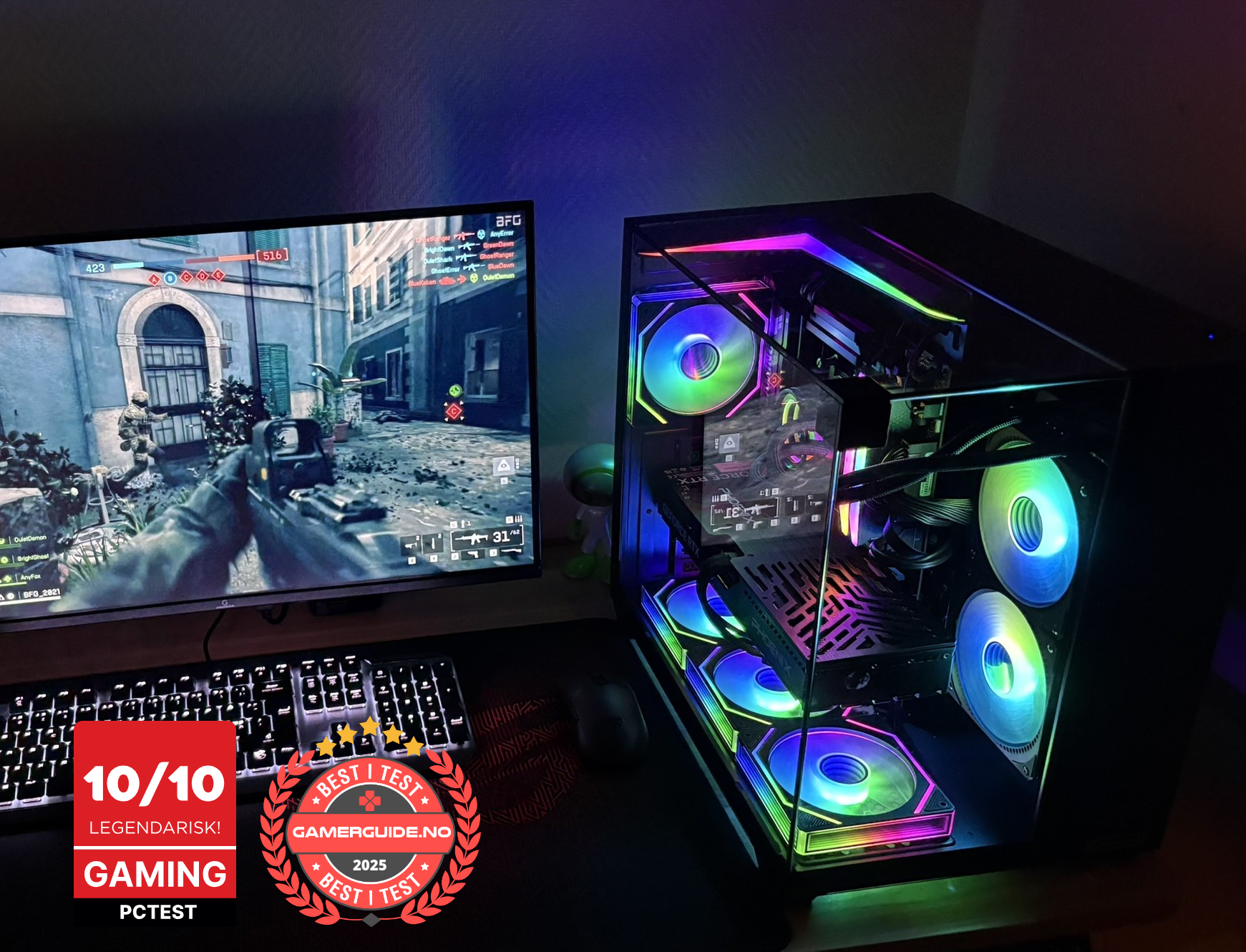
Built for higher FPS and a more responsive feel, especially if you play competitive games or want a stronger 1440p experience.
Summary
- Best upgrades: monitor, mouse, mousepad, audio comfort, chair
- Most “premium feel” upgrades: monitor arm, bias lighting, cable management
- If you want real FPS gains: upgrading the PC is the biggest change
_1.png?1775823017388)



.png)
.png)
.png)
.png)